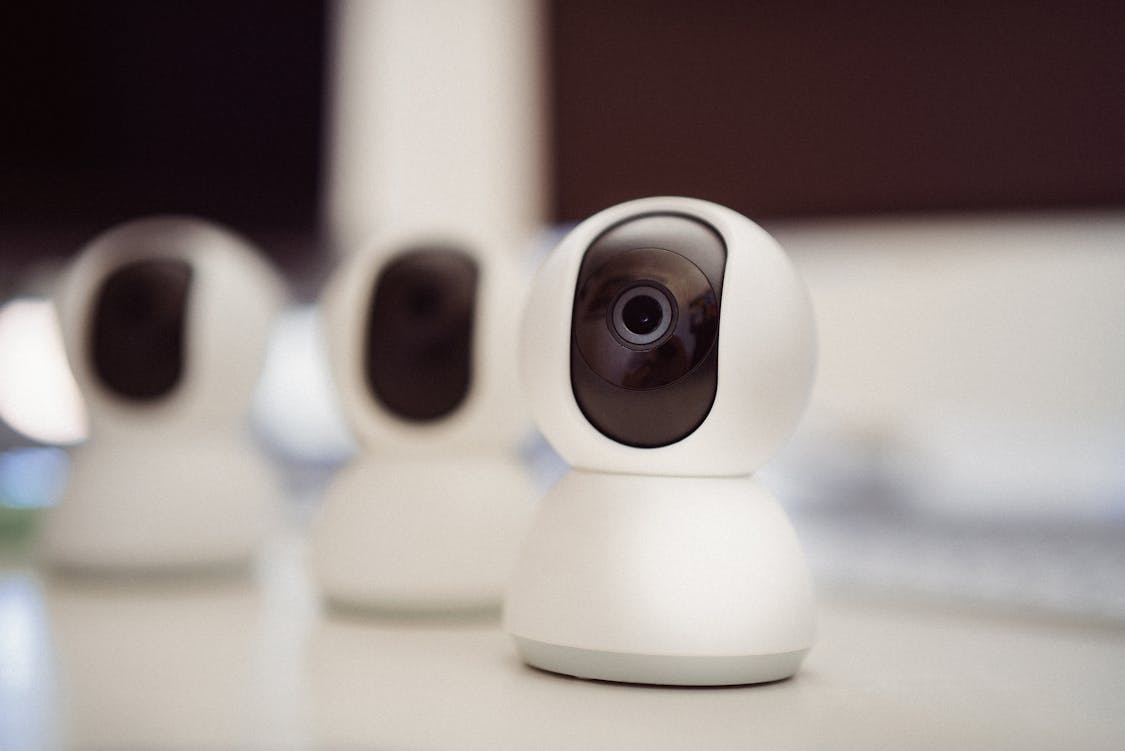

Choosing the right home security camera can feel like matching a tool to a task. You want reliable footage, clear alerts, and a system that fits your space and habits.
Good choices come from looking at core functions and practical trade offs rather than getting dazzled by every spec sheet. A few smart checks will help narrow the field and make the buying step much easier.
Assess Your Needs And Risk Profile
Start by mapping the spots you want to watch and why you want them watched. A focus on entry points calls for different gear than wide area surveillance for a yard, while indoor monitoring for pets needs privacy friendly features. 
Think about how often you want live viewing versus passive recording during an incident and how quickly you expect alerts. Balancing coverage, attention, and privacy will save time and money later.
Choose Between Wired And Wireless Setups
Wired cameras tend to offer steady power and continuous connection with less signal variability in crowded networks. Wireless models bring flexible placement, simple temporary installs, and often battery power that avoids running cable through walls.
Consider whether you want to recharge batteries periodically or prefer plug in permanence with fewer interruptions. Both kinds can be reliable when matched to your home layout and tolerance for maintenance.
Evaluate Resolution And Image Quality
Higher pixel counts give you more readable details when zooming into a scene, but file sizes and bandwidth go up as well. Focus on cameras that balance resolution with compression efficiency so footage stays clear without clogging your network or storage.
Lens quality, sensor size, and processor speed shape usable clarity more than an inflated megapixel number alone. Look at sample footage and real world clips to get a true sense of performance.
Inspect Field Of View And Placement Options

A wide field of view covers more area from a single mount, while narrower angles let you capture long corridors with greater detail. Placement near lights, overhangs, or reflective surfaces changes effective coverage, so mock a placement with a phone camera first.
Think about overlapping angles for blind spot reduction instead of relying on one device to do all the work. Proper positioning is often the difference between a useful recording and worthless blur.
Check Night Vision And Low Light Performance
Infrared LEDs can reveal subjects in total darkness but often render scenes in black and white with limited detail. Low light color sensors keep hues and subtle contrasts but need better optics and sometimes a small light source.
Noise reduction, exposure control, and adaptive settings are key to getting usable footage after dusk. Ask to see sample clips taken in shadowed areas and under porch light conditions.
Assess Motion Detection And Alert Behavior
Motion algorithms vary in how strict they are about triggering alerts and beginning a recording block. More advanced systems filter pets, swaying branches, and cars while still catching human movement, cutting down on false alarms.
Alert methods matter too with push messages, email clips, and short video snippets offering different immediacy and context. Fine tuning sensitivity and activity zones helps keep notifications useful rather than a constant buzz.
Review Storage Models And Data Privacy
Local recording to a micro card keeps footage on site and under your direct control, while cloud options back up video to remote servers for easier access from multiple devices. Pay attention to retention policies and monthly fees for cloud plans because ongoing costs add up fast.
Encryption during transfer and at rest, clear privacy policies, and who holds the decryption keys are important when your camera points at private spaces. Pick a storage style that matches your tolerance for subscription costs and your need for resilient backups.
Consider Power Needs And Installation Complexity
Battery powered cameras free you from wiring but will require periodic swapping or recharging that can be a nuisance in high activity spots. Hardwired models with steady power avoid that work yet demand more upfront effort to run cable and place mounts.
Solar add ons are an option for some outdoor spots yet they need sunlight and proper orientation to be effective. Estimate time and tools for installation before committing to a model so surprises are minimal.
Look At Smart Home Integration And App Quality
A slick app can make day to day use a pleasure while clumsy controls create friction and reduce the likelihood of regular checks. Voice assistant support and routines can automate simple tasks like pausing cameras when you are home, but test whether those integrations feel smooth.
Cross platform access for both phone and desktop widens flexibility when you need to share footage with a neighbor or a service. Updates, patching, and vendor responsiveness are part of the long term usability equation.
Weigh Budget Versus Long Term Cost Of Ownership
Initial price reveals sticker shock but recurring fees, replacement batteries, extra storage, and possibly paid features drive the long term expense. A less expensive camera with an affordable one time card might outlive a cheaper hardware plus subscription combo in total cost.
Factor upgrades and expansion if you plan to add more units over time because early compatibility can avoid a complete swap later.
For many households, GuardHouse WatchEye Security Camera costs less than traditional systems, making it an appealing choice without sacrificing core features. Shop with an eye to what keeps you covered without draining time or cash down the road.
Shop with an eye to what keeps you covered without draining time or cash down the road.